The mark
The “BS” mark is the core symbol. Use the yellow version wherever possible. Use black or white only when single-colour reproduction is required (embroidery, engraving, single-colour print).
Boxing Sisters — city lockups
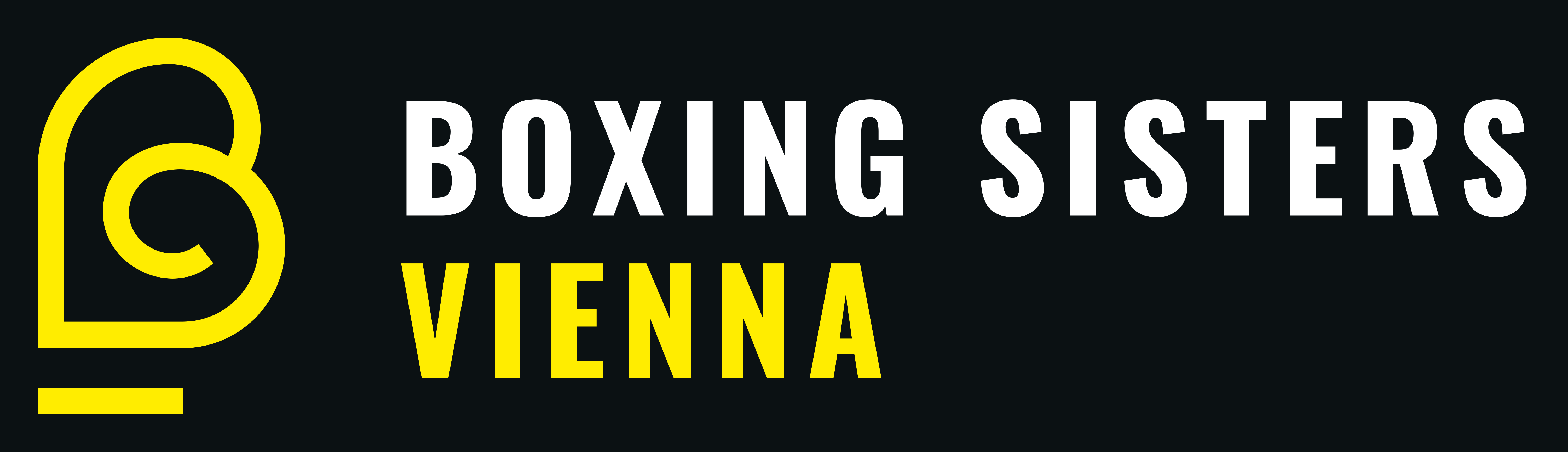
The brand wordmark sits next to the mark with the city in yellow underneath. Use the transparent variant whenever the artwork sits on a custom background. Use on-dark as a ready-made tile.
Boxing Sisters — Amsterdam
12Rounds Boxing — city lockups
12Rounds Boxing (no city)
- HEX
- #FFED00
- CMYK
- C0 M0 Y100 K0
- Pantone
- Pantone Yellow C
Mark, accents, city label, primary CTAs.
- HEX
- #0B1113
- CMYK
- C73 M58 Y52 K85
Backgrounds, brand wordmark on light, body text on light.
- HEX
- #1A1A1A
Elevated panels on dark backgrounds.
- HEX
- #A2A2A2
Secondary text, inactive elements.
- HEX
- #F2F2F2
Footer / soft section backgrounds.
- HEX
- #FFFFFF
Wordmark on dark backgrounds, body on dark surfaces.
CMYK values are starting points — always run a press proof for critical print work. Pantone Yellow C is the closest Pantone Solid Coated match to #FFED00.
Display
Oswald
Used for headings, the wordmark and all uppercase labels. Bold weight (700) for the wordmark; medium / semibold elsewhere. Google Fonts.
Get Oswald →BOXING SISTERS
THE FIGHT IS YOURS
Real boxing technique
Used in headings · 12 — 72 px
CSS: font-family: ‘Oswald’, sans-serif · weights: 500 / 600 / 700
Body
Inter
All body copy, navigation labels, buttons and forms. Regular (400), medium (500) and bold (700). Google Fonts.
Get Inter →Real boxing technique in a safe, welcoming environment.
Women-only classes across Europe. Beginners welcome. Experienced coaches who actually teach — slow it down, get the basics right, and build from there. The fight is yours.
CTA / nav labels — 12 — 14 px, tracking widest
CSS: font-family: ‘Inter’, sans-serif · weights: 400 / 500 / 700
Brush accent
Permanent Marker
Hand-drawn accent used sparingly — pull-quotes, FAQ marks, energetic callouts. Never for body or headings. Google Fonts.
Get Permanent Marker →Show up for yourself
Beginners welcome.
CSS: font-family: ‘Permanent Marker’, cursive · weight: 400
Section 04
Sizing & clear space
Minimum sizes
- Digital: Mark not smaller than 24 px tall. Lockups not smaller than 40 px tall.
- Print: Mark not smaller than 8 mm tall. Lockups not smaller than 14 mm tall.
- Embroidery / etch: Use the mono variants only. Mark not smaller than 15 mm.
Clear space
Keep clear space equal to the cap-height of the wordmark (or the width of the mark’s stem) around the entire lockup. No text, edges or other elements should encroach on this zone.
Do & don’t
- Use the transparent variant on photos.
- Pair yellow only with dark backgrounds for the strongest read.
- Use mono variants for single-colour reproduction.
- Don’t recolour the mark outside the palette.
- Don’t stretch, skew or rotate the lockup.
- Don’t place the yellow mark on a yellow background.
- Don’t typeset the city name yourself — use the supplied SVG.
Every tile on this page is a direct download — click ↓ SVG for the print-ready vector or ↓ PNG for a high-res raster (6000 px wide, ≈50 cm / A2 at 300 DPI). For prints, open the SVG in Illustrator, Affinity Designer, Figma or Inkscape and export to PDF or EPS. All text is already outlined to paths, so no font installation is required.